Videoguider
Anslut en LinkedIn-företagssida till Lyyli
Anslut en LinkedIn-företagssida till din arbetsyta i Lyyli och se varför en anslutning aldrig publicerar något av sig själv.
Transkription
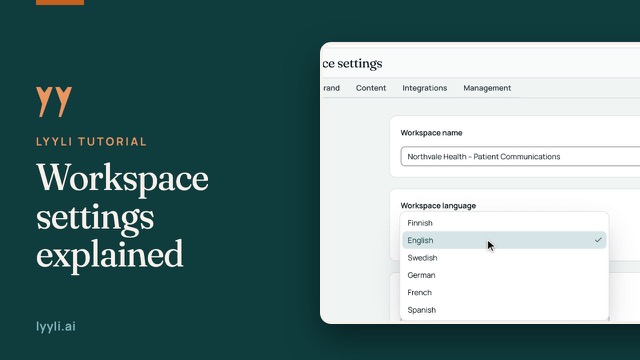
Hi, I'm Mikko, and in this video I'll show you how to connect a LinkedIn company page to your workspace. We're starting in Workspace settings on the General tab. Integrations are workspace specific, so different workspaces can have their own channels. Let's open the Integrations tab.
Under Channels & Publishing, you see the Publishing Channels & Blog list. Channel publishing is part of the Professional plan and is currently in testing. Each row lets you connect in your browser or via By phone (QR). I'll click Connect LinkedIn.
On the connection page, Where should we post from?, you can pick yourself, your LinkedIn pages, or both, because each one is its own account. I'll choose the company page labeled Post as organization and click Connect account.
Back in Lyyli, the LinkedIn row shows 1 connected, and the account is Active. Connecting an account never publishes anything on its own. When you're ready to post, open a content card, create a channel version, confirm I have reviewed the content, and publish or schedule it.
Om videon
Kanalpublicering ingår i Professional-prenumerationen och är just nu i testfas. Integrationerna är arbetsytesspecifika, så öppna arbetsytans inställningar, gå till Integrations och klicka på Connect LinkedIn under Channels & Publishing eller använd By phone (QR).
Välj företagssidan som är märkt Post as organization och klicka på Connect account. När LinkedIn visar 1 connected och Active kan du öppna ett innehållskort, skapa en kanalversion, bekräfta I have reviewed the content och sedan publicera eller schemalägga.