Video tutorials
From brief to finished draft on one content card
Take an article from brief to finished draft on one Lyyli content card, with notes, text, visuals, AI chats and feedback in the same place.
Transcript
Hi, I'm Mikko. When you're writing an article, it's frustrating to hunt down the brief from one folder and feedback from old emails. Let's open Contents to see how one card holds everything. Here in Contents on the Kanban board,
I'll go to the Draft column and open Blog: remote appointments explained. At the top, Brief and Notes sit right above my workspace. I always see what patients need to know about remote appointments without switching tabs. Now let's scroll down to the Main draft.
This is the Article main draft in the Block editor. I can write directly here, add blocks, or drop in visuals with Image or Generate image. Next, let's see how AI helps refine the text.
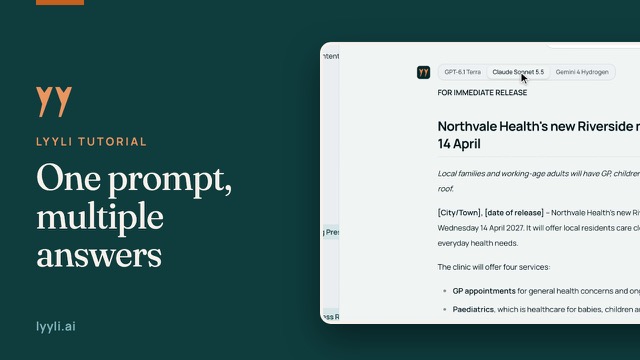
Under the draft, I have quick actions and a Describe what to draft field to guide what Lyyli suggests. When I want to work through an idea more deeply, I'll click Open in chat, so that conversation stays saved under Linked chats. Once the draft feels solid, let's check Comments.
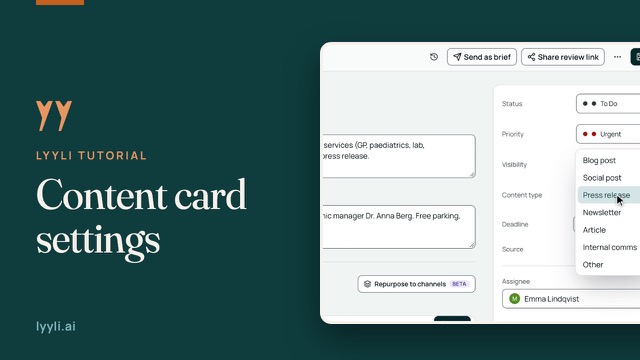
Here, External feedback shows the exact quoted line from a reviewer, and I can respond in Write a comment. At the top, Share review link lets me invite feedback without sending files back and forth. Now let's update the card's status on the right.
In the right panel, I'll update Status and check the rest of the card details. Lyyli helps draft, but I make the final call on this version, so let's click Save. Everything from brief to finished draft is now in one place. In the next video, I'll show you how to turn this article into channel versions.
About this video
Instead of searching through folders and emails, you keep everything for one piece of content on a single card. Open the card from Kanban and the Brief and Notes stay visible above your workspace.
Draft in the Block editor, add visuals with Image or Generate image and guide AI with quick actions or Open in chat. When the draft is ready, invite comments with Share review link, reply to External feedback, update Status and click Save.