Video tutorials
Plan a month of communications with AI in Lyyli
See how Planning reads your Kanban board, spots gaps across upcoming campaigns and suggests content proposals with channels and dates.
Transcript
Hi, I'm Mikko, and in this tutorial I'll show you how to plan a full month of communications in Lyyli without starting from a blank page. We're in our Northvale Health demo workspace, so let's start by checking the content board. Here in Contents, our Kanban board
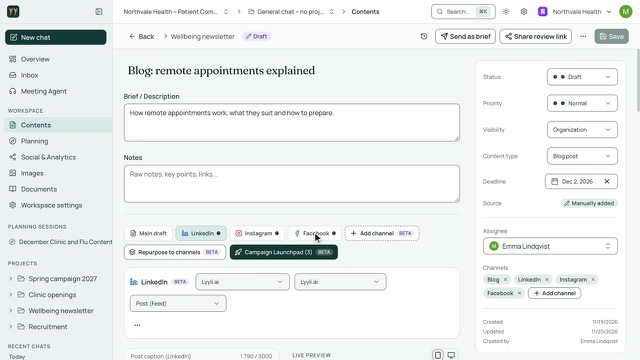
shows everything from early ideas to published work. Looking across the columns right now, our December schedule is still pretty thin, even though we have a clinic opening and flu season coming up. To build a proper plan around those priorities, let's open Planning. Because Planning reads what's already on your board,
you don't have to explain the whole situation from scratch. I'll ask it to plan our December content for the Riverside clinic opening and flu vaccinations, and suggest what's missing, then I'll hit send.
Once the analysis is ready, Lyyli gives us a Pipeline Analysis with a Content strategy review, followed by the gaps it spotted across our campaigns and an overdue card. With the big picture clear, let's scroll down to inspect the proposals.
The proposals are grouped by campaign, and each card carries its content type, channels, and suggested date. Nothing moves automatically, because you decide whether to add one idea with Add to board, or bring them all over by clicking Add selected to board. Back in Contents, the selected cards are already on the board
with their channels and dates in place, ready for you to pick one. From here, your next step is to open a card and write the draft, while staying in full control of what gets published.
About this video
In this tutorial you plan a month of communications in Lyyli without starting from a blank page. We review the December schedule in Contents and open Planning to ask what is missing for our priorities.
Lyyli produces a Pipeline Analysis with a Content strategy review, points out campaign gaps and groups its proposals by campaign. You decide what moves to the board with Add to board or Add selected to board, so you stay in control before drafting and publishing.