
Video tutorials
Short walkthroughs that show how to work in Lyyli step by step, one to two minutes each. Every video has captions, chapters and a full transcript.
13 videos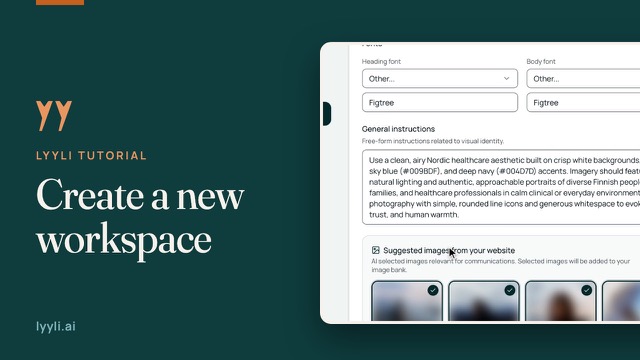 1:38
Create a new workspace in Lyyli
Launch the guided setup from the workspace switcher and bring your strategy, brand styling and idea sources into one workspace.
 0:54
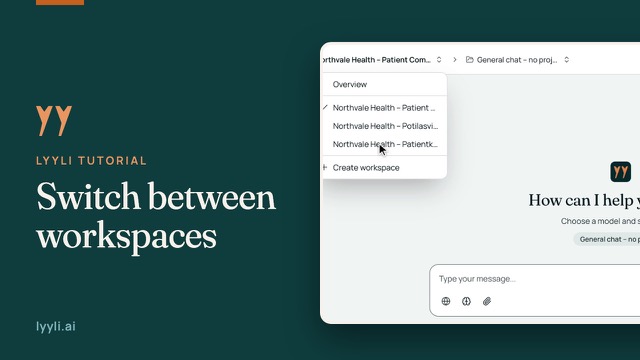
How to switch workspaces and set default views in Lyyli
Switch between workspaces, follow them side by side in Overview and choose the default view and home page that suit your work.
 1:29
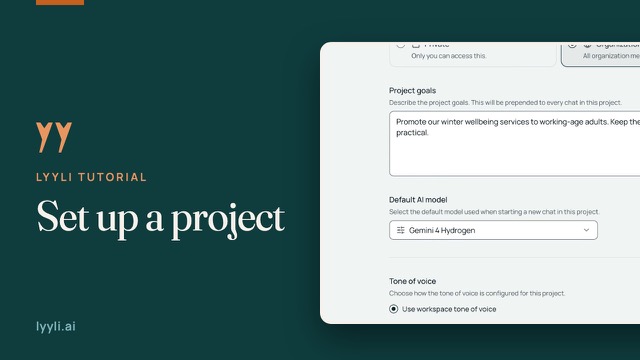
How to set up a project in Lyyli
Set up a project in Lyyli with its own goals, visibility, default AI model and tone of voice so your team shares the right context.
 1:22
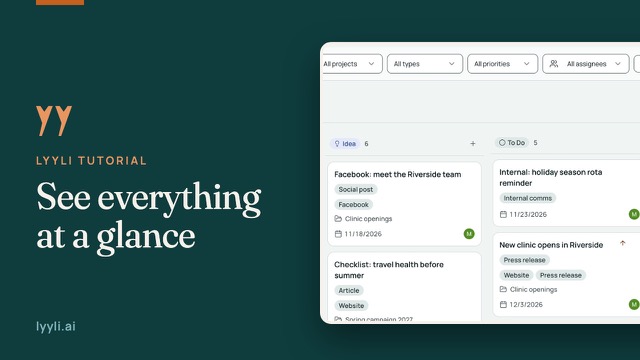
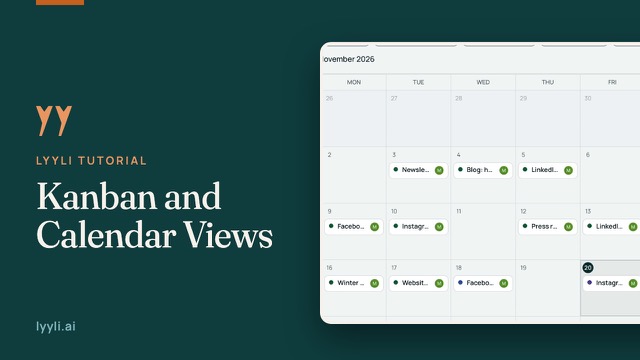
One board for all your communications
Walk through the Kanban board, the Calendar tab and Overview to check active work, deadlines and your pipeline at a glance.
 1:28
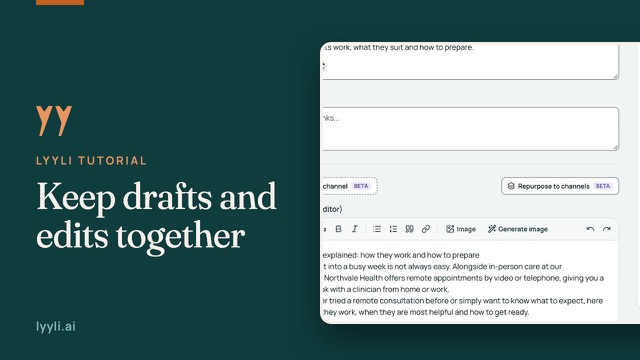
Kanban and Calendar in depth
Take a closer look at how Kanban and Calendar support daily communications work: filter the board, track workload and adjust schedules.
 1:36
From brief to finished draft on one content card
Take an article from brief to finished draft on one Lyyli content card, with notes, text, visuals, AI chats and feedback in the same place.
 1:32
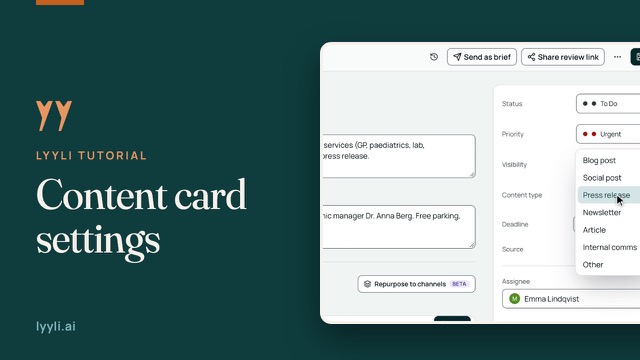
Manage content card settings in Lyyli
Use the settings panel on a Lyyli content card to keep status, ownership, formats and schedules organized in one shared workflow.
 1:33
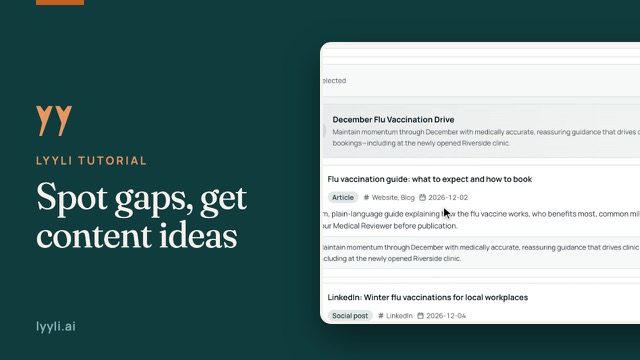
Plan a month of communications with AI in Lyyli
See how Planning reads your Kanban board, spots gaps across upcoming campaigns and suggests content proposals with channels and dates.
 1:06
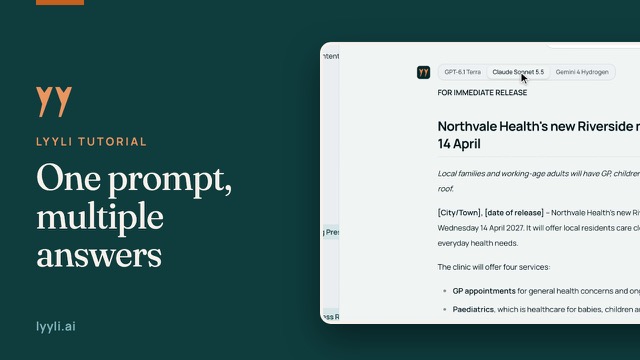
Compare AI models side by side in Lyyli
Run one prompt across several AI models in a single Lyyli chat and compare the drafts on separate tabs.
 1:34
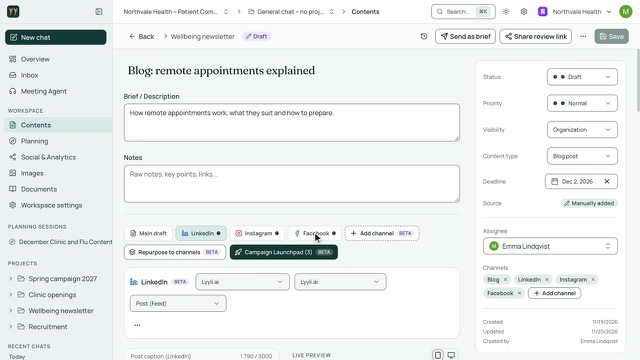
Turn one article into channel versions in Lyyli
Turn one article draft into tailored channel versions on the same content card, check Live Preview and refine the opening before saving.
 1:06
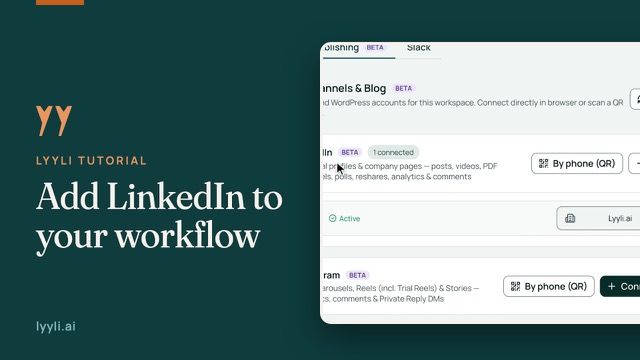
How to connect a LinkedIn company page in Lyyli
Connect a LinkedIn company page to your Lyyli workspace and see why connecting an account never publishes anything on its own.
 1:40
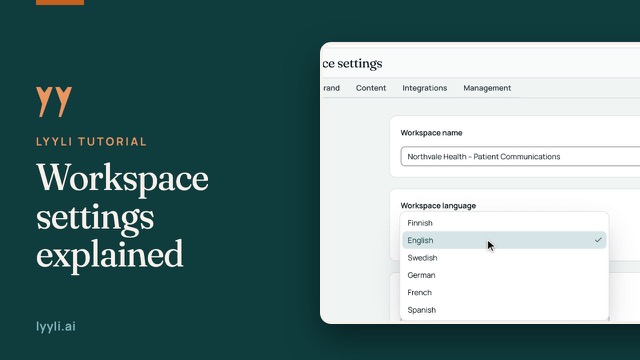
Workspace settings explained
Walk through Workspace settings in Lyyli so your team does not need to repeat brand rules in every prompt.
 1:29
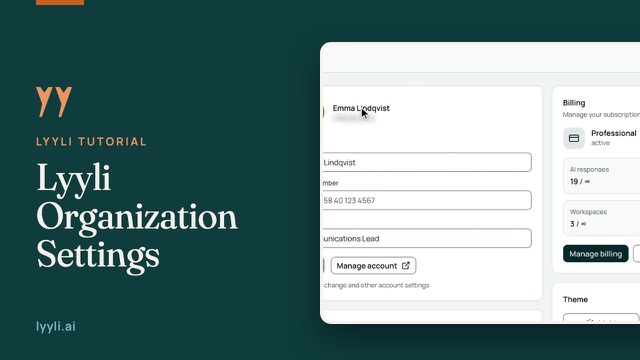
How to manage organization settings in Lyyli
Keep your own account details and your organization's information, billing and members organized in Lyyli Settings.