Video tutorials
How to set up a project in Lyyli
Set up a project in Lyyli with its own goals, visibility, default AI model and tone of voice so your team shares the right context.
Transcript
Hi, I'm Mikko. When a team handles multiple campaigns or client accounts, keeping work separate saves everyone from digging through mixed files. I'll show you how to set up a project in Lyyli, starting from the sidebar.
Under PROJECTS, we already have a few active initiatives listed, each acting as its own boundary. To start a new one, I'll click Add project. On the Create project page, I'll add a clear title in the Project name field before setting Visibility.
Under Visibility, I can pick Private for just myself, or Organization so all organization members can collaborate here. Next, I'll scroll down to Project goals.
Anything I write under Project goals gets added to the start of every chat here, giving the team shared context automatically. I'll also pick a Default AI model before moving to Tone of voice.
For Tone of voice, I can keep Use workspace tone of voice, or choose Copy workspace settings and customize if this project needs its own style. Once that's set, I'll create the project.
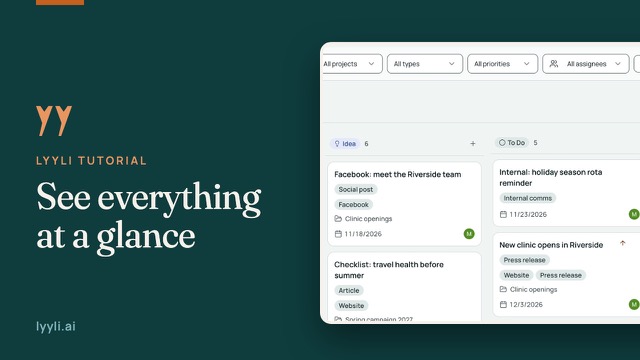
The new project now sits in the sidebar with its own views underneath. In the Contents table, the All projects filter lets me narrow down to just this project's cards, and if anything changes, I can open Project settings.
You can always update your goals, model, or tone later under Project settings. As a next step, open your first chat or create a content card inside the project.
About this video
When a team runs several campaigns or client accounts, separate projects keep the work from getting mixed up. Under PROJECTS, click Add project, fill in Project name, choose Private or Organization under Visibility and write Project goals.
Pick a Default AI model, then select Use workspace tone of voice or Copy workspace settings and customize. In Contents you can filter cards by project, and the details can be edited later in Project settings.